Archive for October, 2026

Employee monitoring software: twelve checks before you buy

Posted on October 23rd, 2026 in Guides | No Comments »

Most buying mistakes in this category are not technical. They are decisions taken before anyone looked at a demo: what the tool is allowed to see, who will be able to read it, and what happens when the project is reviewed in a year. Here are twelve checks, grouped by the order in which they will bite you.

Legal and organisational checks

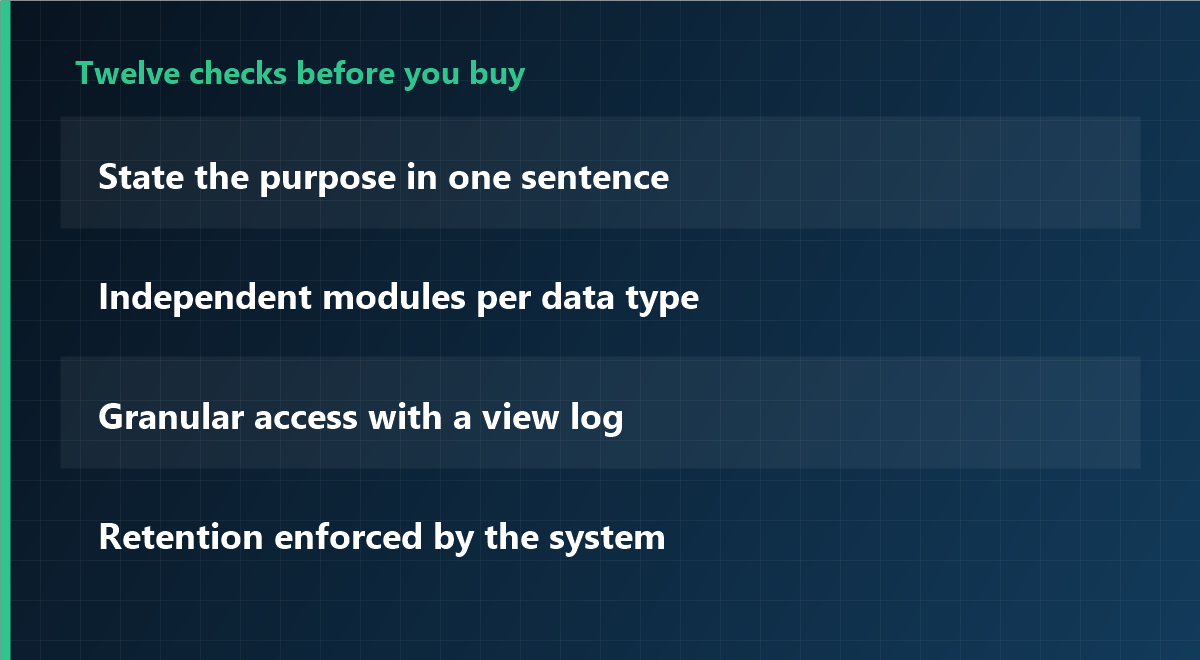
1. Can you state the purpose in one sentence?

If the sentence needs a comma to hold two purposes, you have two projects. Split them, because each needs its own scope and its own notice.
Twelve checks before you buy

2. Is the notice written before the installation date?

A notice written after go-live is a reconstruction. Write it first, then configure the tool to match it, not the other way round.

3. Do employee representatives have a role?

In several countries they have co-determination or consultation rights on monitoring technology. Confirm the local rule in your jurisdiction before the purchase order, not after.

4. Is there a named person accountable for the data?

Not a department: a person. Someone must be able to answer “who looked at this record, and why” without asking around.

Technical checks

5. Can each module be switched on independently?

Screenshots, keystroke content, website categories, file tracking and time records should not be one switch. If they are, you cannot honour a narrow notice.

6. Does it keep working offline, and what happens to the data?

Laptops travel. The agent should record locally and upload later, with a defined cap, and the local cache should be encrypted or cleared after sync.

7. Is there a real self-service view for employees?

Being able to see your own records changes the tone of the whole deployment. If the vendor treats this as an add-on, the product was designed for one-way surveillance.

8. How does uninstall and offboarding work?

Ask for the documented removal procedure, including what happens to records when an employee leaves and when a department is closed. “Delete the folder” is not a procedure.

Data governance checks

9. Are access rights granular, and is every view logged?

The most common trust failure is an unnecessary view, not a malicious one. Per-role permissions plus an access log make the question answerable.

10. Is retention enforced by the system or by people?

Prefer a product that deletes on a schedule. Retention that depends on someone remembering is retention that does not happen.

11. Can you export and then leave?

You should be able to export your own records in a usable format and terminate without losing them. Ask what the export contains before you sign.

Vendor checks

12. Will they say no to a feature you asked for?

The most useful signal in this category: a vendor who explains why a request is disproportionate, instead of shipping it. If every request is met with “we can do that”, the tool will eventually be configured into a problem.

Use the list as a scoring sheet: twelve lines, one number each, before the second demo. The scores matter less than the conversation the list forces with your own team.

What good looks like on day one

  • Time records on for everyone; every other module off.
  • A one-page notice that names the data, the viewers and the retention period.
  • Two named people with access, and a log that shows their views.
  • A calendar reminder for a six-month review, with the authority to switch things off.

That configuration is deliberately boring. It is also the one that survives an audit, a staff meeting and a change of manager.

Frequently asked questions

How many of the twelve matter most?

If you only keep three: independent modules (5), granular access with logging (9) and enforced retention (10). Those three determine whether the rest of your policy can actually be implemented.

Is a cloud product automatically worse than on-premise?

Not automatically. What matters is where the data resides, who can access it, how deletion works and what the contract says about subprocessors. Ask the same questions of both.

Should we pilot with one department?

Yes, if the pilot has a defined end date and a review. A pilot without a review becomes the permanent configuration by accident.

Modules you can leave switched off

iMonitor separates time records, screenshots, application usage and file tracking, so a narrow scope stays narrow. Access rights and retention are configured per module, and every view is logged.

See how it works

This article is general information and does not constitute legal advice. Confirm the rules that apply in your jurisdiction before deploying monitoring software. Last updated: 23 October 2026.
Time tracking vs employee monitoring: which do you actually need

Posted on October 23rd, 2026 in Guides | No Comments »

Buyers usually arrive at this question after a bad meeting. Someone asked for “monitoring”, someone else heard “time clock”, and the conversation ended without a decision. The two are related, but they answer different questions, and confusing them leads either to over-buying or to a tool that cannot do the job.

Here is the distinction in plain terms, four scenarios that decide it, and what to configure in each case.

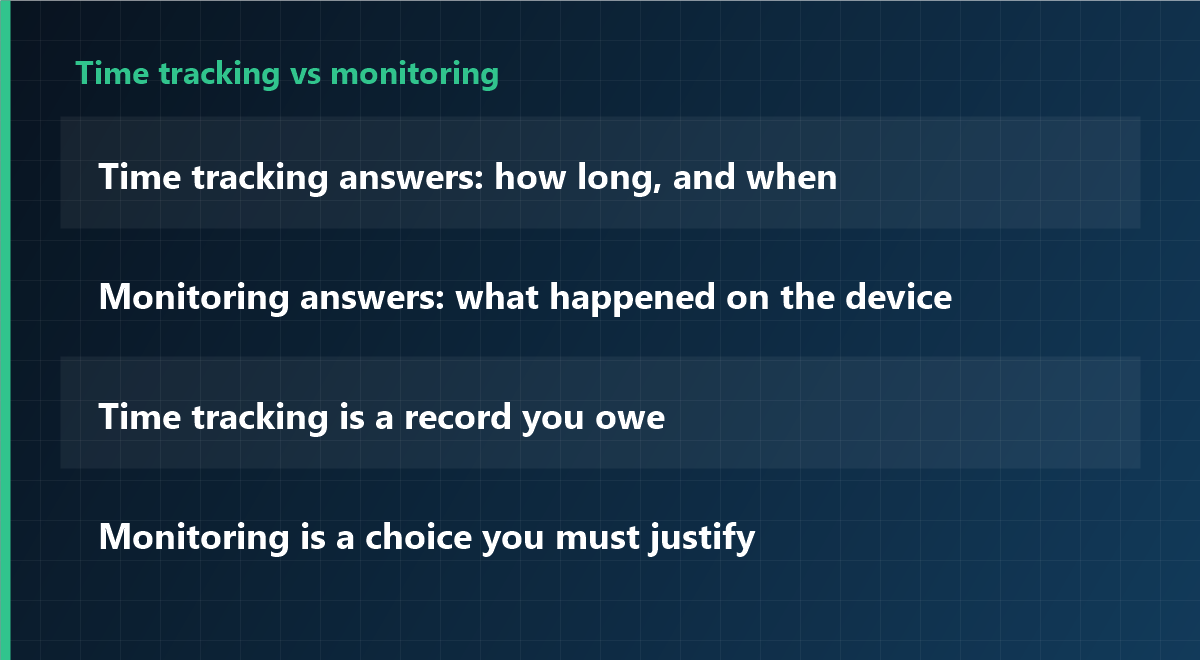
Time tracking vs monitoring

The difference in one line each

Aspect Time tracking Employee monitoring
Question answered How long did work happen, and when? What happened on the device while work was happening?
Typical driver Legal obligation, payroll, client billing Security incident, productivity concern, process problem
Data collected Start, stop, breaks, project codes Applications, websites, screenshots, file activity, USB, print
Who looks at it Payroll, HR, project managers IT security, and only in defined cases
Sensitivity Low to moderate High — needs a stated purpose and a documented scope
Default posture On, for everyone, all the time Off, and switched on narrowly when justified
The useful rule: time tracking is something you owe to the record. Monitoring is something you have to justify. If you cannot write the justification in one sentence, you do not need the second one yet.

Where they overlap

Most modern tools do both, which is exactly why the confusion exists. An agent that records working hours can also record application usage; a monitoring product can produce a timesheet. The overlap does not mean the two are interchangeable. It means the configuration is where the decision lives.

Four scenarios that decide it

1. You must document working time

In several jurisdictions employers are required to record working time, and the record must be reliable and retained. That is a time-tracking problem. Buy for accuracy and export, not for screenshots.

2. You had a data incident

A file left the company, or someone is suspected of copying client data. That is a monitoring problem, and it should be scoped to the incident: specific devices, a defined window, a named investigator. Broad always-on capture is not the proportionate answer.

3. You suspect the work is not happening

This is the most common case and usually the one where monitoring is the wrong first move. Before recording anyone, check the five operational indicators — delivery against commitments, time stuck waiting, focus time, where requests come from, rework count. If those show a real problem, it is usually a process problem, not an effort problem.

4. You need both, for different groups

Field staff on billable hours, plus an IT team that needs incident forensics. That is legitimate, and it argues for one platform with per-group configuration rather than two products with separate data sets.

What to configure, depending on the answer

  • Time tracking only: enable hours, breaks and project attribution; leave screenshots, keystroke content and website categories off; give employees a self-view of their own timesheet.
  • Incident scope only: enable the relevant modules for specific devices for a fixed period, log every access, and set an automatic end date.
  • Both: keep the groups separate so that payroll data never sits next to forensic captures, and so that a viewer of one cannot see the other.
Common mistake: buying the full feature set “so it is there if we need it”, then leaving collection on. Capability you do not use is fine; collection you do not need is the liability.

The legal asymmetry worth remembering

Recording working time is often an obligation. Monitoring content is almost always an intrusion that must be justified. That asymmetry should drive the defaults: hours on, screenshots off, and a written reason before anything else is switched on.

Frequently asked questions

Can time tracking software also be used as monitoring?

Technically yes in most suites, but the legal basis and the notice differ. Deciding to enable it later is a separate decision that needs its own purpose, scope and information to employees.

Is monitoring ever simpler than time tracking?

Rarely. Time tracking has a clear, defensible purpose; monitoring requires explaining what is captured and why that specific data is necessary. That explanation is the hard part, not the installation.

Do we need both products?

Usually not. One platform with per-group configuration is easier to govern, because access rights, retention and audit logging live in one place.

Configure the scope, not the whole suite

iMonitor separates the modules, so working-time records can run on their own and monitoring modules stay off until there is a documented reason. Retention and access rights are set per module.

See how it works

This article is general information and does not constitute legal advice. Consult a professional on employment law and data protection before deploying either capability. Last updated: 23 October 2026.

Five ways to measure remote productivity without monitoring

Posted on October 23rd, 2026 in Guides | No Comments »

“We cannot see productivity in remote work, so we are going to install monitoring.” The sentence still comes up regularly. In practice it does the opposite of what is intended: monitoring does not raise productivity. It raises the volume of records. And the more you record, the more the team works for the record.

This article sets out five indicators that show how a distributed team is actually doing, and how to run them. It is not an argument against monitoring. It is an argument about what to measure first.

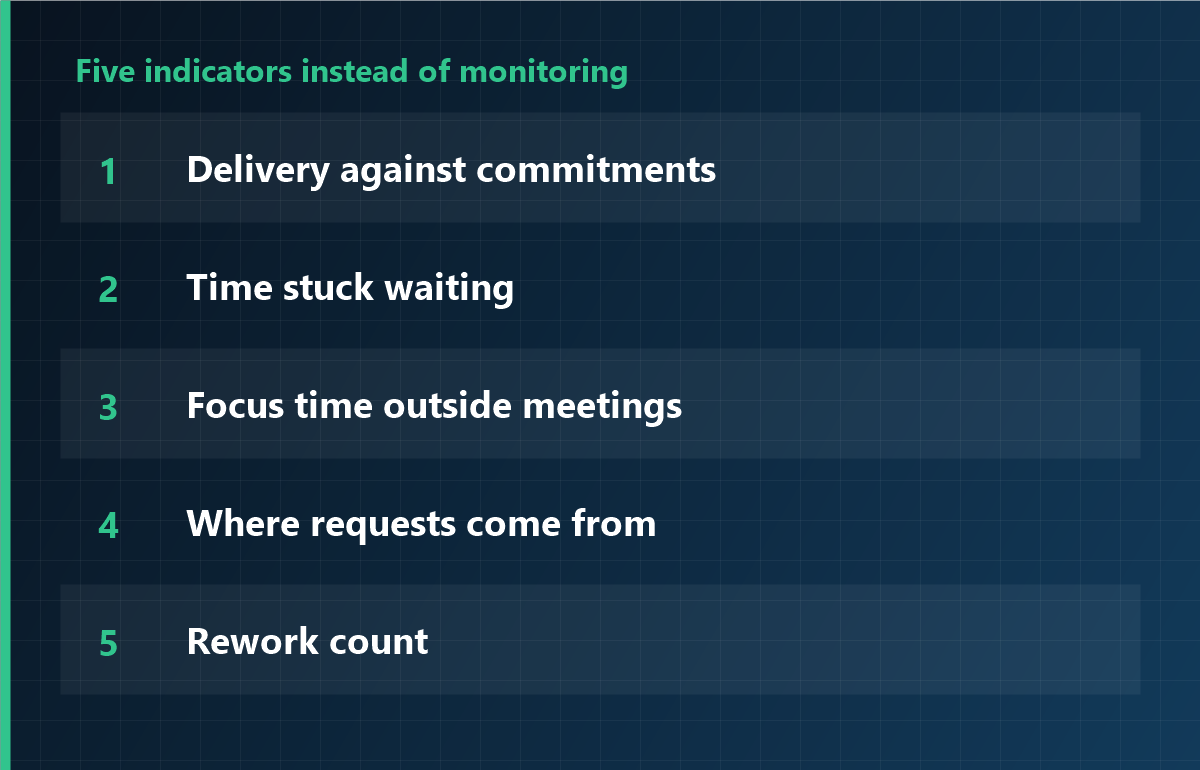
Five indicators instead of monitoring

Why “not seeing” becomes a problem

The discomfort comes from lost information. In an office, passing someone in the corridor told you something: how they are doing, whether they are stuck, who they are talking to. Remote work zeroes that out. The fastest way to fill the gap is to look at the screen, and monitoring becomes the default option.

There are other ways to fill it, and they are usually cheaper, faster and less resisted.

Five indicators instead of monitoring

1. Delivery against commitments

Not “how many hours did you work”, but “did the committed thing ship on the committed date”. The simplest indicator, and the least misinterpreted.

2. Time stuck waiting

How long a task sits while someone owes a reply. This is not about individual effort: it shows where the organisation blocks. Monitoring never sees it.

3. Focus time outside meetings

The share of the calendar occupied by meetings. Too high, and individual work is fragmented. The calendar is more accurate than any screenshot.

4. Where requests come from

Who asks whom. Every question concentrated on one person, or someone who never asks, are early signals. What matters is the skew, not the volume.

5. Rework count

How often the same work is redone. A high count points to an unclear instruction or specification. More monitoring does not help, because the cause sits upstream.

The common thread: none of the five measures people. They measure the flow of work. And when a team does not feel watched, the numbers are more honest.

Running it in 30 minutes a week

  1. Start of week, 15 minutes: confirm what ships this week; each person commits to one thing.
  2. Midweek, 5 minutes: collect only what is blocked. Look at the blockage, not the person.
  3. End of week, 10 minutes: put commitment and result side by side. No blame; it is input for next week.

With those three pieces, most teams get out of the “we cannot see” feeling. Cost: zero. Time: half an hour.

When recording is genuinely justified

  • Working time with legal effect: a separate subject, with its own basis.
  • Investigating a specific data incident: scope limited to that case.
  • Evidencing hours for contractors: where the contract requires it.

All three share a shape: one purpose, a bounded period. Not “everything, just in case”.

If you do deploy, in this order

  1. Run one month with the five indicators only.
  2. Identify what remains uncovered. Do not deploy on a feeling.
  3. Record only that area, for a defined period.
  4. Document the data, the retention period and who has access.
  5. At the end of the period, check whether the indicators actually improved.

Frequently asked questions

Should you never monitor at all?

Not at all. With a clear purpose, a defined period and the ability to explain it to the team, it is a defensible tool. The problem is permanent capture with a vague purpose.

Where do the five indicators fall short?

Legally relevant working-time records, incident investigation, and contractual evidence of hours. Those need a limited recording, not broad surveillance.

Will the team not obsess over the numbers?

The risk is real. State explicitly that the numbers are material for a conversation, not appraisal. Tied to appraisal, they distort.

Record only what is needed

iMonitor can be limited to working-time verification, or to an investigation over a specific period. Collected data, retention and permissions are configured separately; what you do not use stays off from the start.

See how it works

This guide is also available in:

日本語繁體中文EspañolDeutschFrançais한국어ItalianoPortuguêsTürkçe

This article is general information and does not constitute legal advice. Consult a professional on employment law and data protection. Last updated: 23 October 2026.

Employee monitoring notice: a template you can copy

Posted on October 23rd, 2026 in Guides | No Comments »

When companies tell employees that work computers will be recorded, the obstacle is rarely the intention. It is the wording. A notice that says “the company may monitor systems as necessary” answers none of the three questions people actually ask: what is seen, who sees it, and how long it is kept.

This page gives a notice you can copy, and the points that usually go wrong when adapting it. It is a template, not legal advice: the fit with your internal rules and local law needs a professional’s eye.

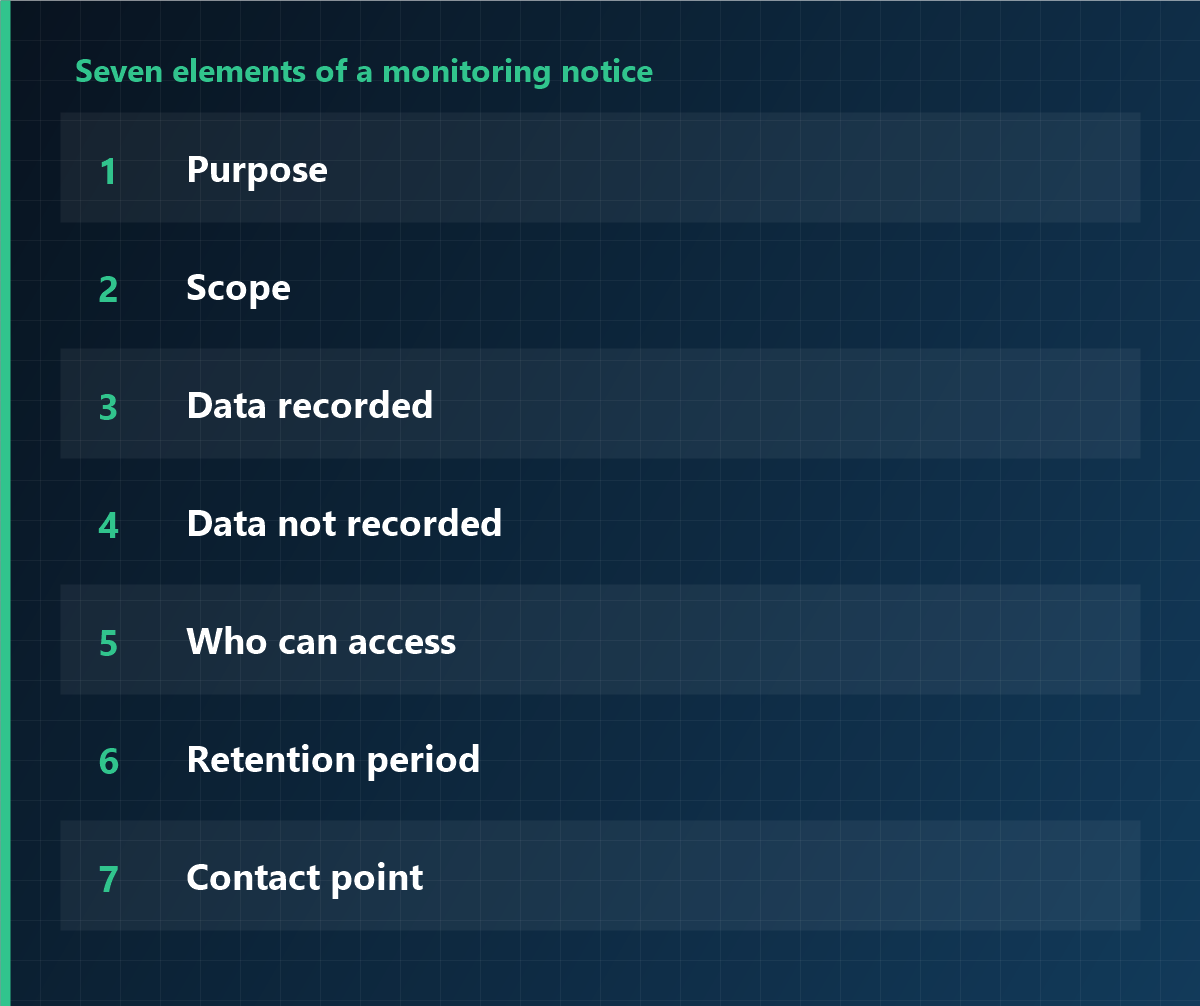
Seven elements of a monitoring notice

Seven elements the notice must contain

  1. Purpose: working time, information security, or process improvement. One is better than three.
  2. Scope: which devices, which departments, how many.
  3. Data recorded: logon and logoff times, application usage, screenshots yes or no.
  4. Data not recorded: personal email, personal cloud. Saying this explicitly changes how the notice is received.
  5. Who can access: by role and function, not “management”.
  6. Retention period: how long, and what happens afterwards.
  7. Contact point: where questions and objections go.

The template

Copy the text below and replace only the bold bracketed parts.

Notice on the recording of computer use

To all employees

To support the proper conduct of work and to protect information assets, the company records use of the computers it provides, as described below. This notice is given before recording begins.

1. Purpose
Recording for the purpose of [working-time verification / prevention of data leakage / process improvement].

2. Scope
[Windows / macOS] devices provided by the company: [departments, number].

3. Data recorded
Logon and logoff times, use of business applications, [screenshots: yes/no], [file access records: yes/no].

4. Data not recorded
Contents of personal email, use of personal cloud services, and the content of keystrokes.

5. Access
Limited to [IT administration] and [head of people]; every access is logged.

6. Retention
[Three] months from collection, then deleted.

7. Employee rights
Each employee may request access to their own records from [IT department].

8. Contact
[department, name, extension]

Declining this notice will not, on its own, lead to any detriment; the internal rules on use of company equipment continue to apply.

[Company name]
[Date]

What usually goes wrong when adapting it

  • “As necessary” instead of a list. That phrase opens the scope without limit. Enumerate the data types.
  • Leaving out the exclusion list. It is the first thing people ask about. Naming the personal sphere explicitly gives the rest of the text credibility.
  • Naming the viewing department only. Add function and level.
  • Retention without deletion. “Three months of retention” is not enough; add “then deleted”.
  • Conflict with the employee handbook. If the data listed differs from the handbook, the whole text becomes attackable.

How to deliver it

  1. Document the internal rule first, and consult employee representatives where required.
  2. Give everyone the same text, in a meeting rather than only by email.
  3. Hold a session per department, with time for questions.
  4. Collect acknowledgement, stating that refusal carries no detriment.
  5. After go-live, open self-service so people can see their own records.

Frequently asked questions

Is a notice the same as consent?

No. A notice explains what is done; consent confirms understanding. In an employment context consent is rarely the solid basis — information and, where applicable, collective agreement are.

Is one email to everyone enough?

It informs but explains little. A session with questions prevents the “I did not know” argument months later.

Can we start without changing the handbook?

If the handbook has no provision for this recording, a gap opens between practice and documentation. That gap is the weak point in any review.

Enable only what the notice describes

iMonitor can be limited to the data types you listed. Collection scope, retention and access rights are configured centrally; anything not declared stays switched off from the start.

See how it works

This guide is also available in:

日本語繁體中文EspañolDeutschFrançais한국어ItalianoPortuguêsTürkçe

This article is general information and does not constitute legal advice. Consult a professional before changing internal policies or processing personal data. Last updated: 23 October 2026.

Employee monitoring: what the law allows and how to roll it out

Posted on October 23rd, 2026 in Guides | No Comments »

Most companies that ask about employee monitoring software are not really asking about software. They are asking a management question: how do we know the work is getting done when we cannot see it. The software decision comes after that question, not before.

This guide covers what to decide before installing anything, what to record and what to leave alone, and how to introduce it without losing the team. It is general information, not legal advice: the rules differ by country and by state, and a local professional should confirm the specifics.

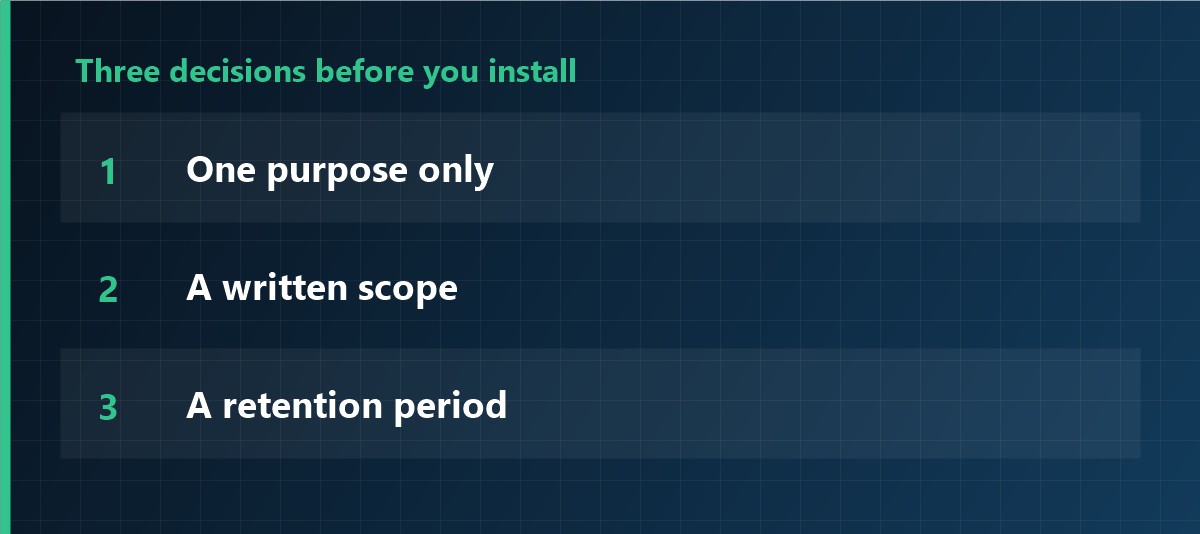
Three decisions before you install

Three decisions to make before you install

Everything else follows from these, and getting them wrong is what makes monitoring projects fail.

  1. One purpose. Productivity improvement, information security, or working-time verification. Pick one. If you cannot say which, you are not ready to install.
  2. A written scope. Which devices, which departments, which hours, which level of detail. “All company computers, all the time” is a scope, but it is rarely the one you need.
  3. A retention period. How long the records stay, and what deletes them. If nobody can answer this, the data will stay forever by default.
Practical test: write the three answers in one paragraph and read it to someone outside the project. If they ask “why do you need that?”, the scope is still too wide.

What to record, and what to avoid

Data Assessment
Logon and logoff times, active hours The safest starting point, especially where working time must be documented.
Application usage Defensible for productivity purposes. Exclude personal-use applications from the statistics.
Screenshots Restrict to specific cases. Continuous screenshots are the single most resisted feature and the hardest to justify.
Keystroke content Avoid. Counting how much is typed is different from recording what is typed.
Personal email and personal cloud Out of scope. Even on company-owned devices, the personal area should be separated.
Always-on camera or microphone The hardest case to justify. If it is genuinely needed, shrink purpose, hours and retention to the minimum.

One question decides every row: can the purpose be met without this data? If a less intrusive option exists, that option is the one to choose.

Informing the team

  1. Turn the three decisions into a document that names the data, the people with access, and the retention period.
  2. Deliver the same text to everyone, in a meeting rather than an email, because it allows questions.
  3. Collect acknowledgement, and state clearly that refusing does not lead to any detriment.
  4. Let people see their own records. This single step changes the tone of the entire project.
Careful: a signed acknowledgement proves that people were informed. It does not make a disproportionate measure proportionate.

Legal checkpoints that apply almost everywhere

  • Purpose limitation: monitoring must serve a stated purpose, and data collected for one purpose should not quietly serve another.
  • Proportionality: the least intrusive means that achieves the purpose.
  • Transparency: people know what is collected, why, and who can see it.
  • Access control: a small, named group can view records, and each view is logged.
  • Retention limits: a defined period and actual deletion at the end of it.
  • Employee representation: in several countries, works councils or unions have co-determination or consultation rights. In Germany, works councils have a codetermination right on monitoring technology; in France, the CNIL expects proportionality and prior consultation; in Italy, the workers’ statute restricts remote control; in Brazil and Korea, data protection law governs the processing. Confirm the local rule rather than assuming.

A rollout order that avoids conflict

  1. Start with time records only: no screenshots, no keystroke content.
  2. Fix the viewing side first: who can look, and on what occasion. Most trust damage comes from an unnecessary view, not from the tool.
  3. Open self-service before adding features.
  4. Add only what you can explain, one department at a time if needed.
  5. Review after six months and switch off whatever no longer serves a purpose. Being able to switch off is the strongest argument in the rollout conversation.

Frequently asked questions

Do we need employee consent?

In an employment relationship, consent is rarely the right basis, because it is hard to give freely. Clear information, transparency and, where applicable, collective agreement are the solid route.

Can we monitor personal use on a company laptop?

Ownership of the device does not authorise unlimited monitoring of the personal sphere. If personal use is permitted, it should be excluded from scope or governed by explicit rules.

Are continuous screenshots allowed?

This is the case that struggles most with proportionality. Restrict screenshots to specific investigations and define frequency, retention and permissions together.

How long should records be kept?

It depends on the purpose: for working time, a few months usually suffice; for evidence in a specific incident, as long as the process requires.

Start with the narrowest scope

iMonitor lets you enable only time tracking at first and add modules as the need is documented. What is collected, how long it is kept and who can see it are configured centrally, so the scope you wrote down is the scope that runs.

See how it works

This guide is also available in:

日本語繁體中文EspañolDeutschFrançais한국어ItalianoPortuguêsTürkçe

This article is general information and does not constitute legal advice. Consult a professional before changing internal policies or processing personal data. Last updated: 23 October 2026.