Employee monitoring notice: a template you can copy
Posted on October 23rd, 2026 in Guides | No Comments »
When companies tell employees that work computers will be recorded, the obstacle is rarely the intention. It is the wording. A notice that says “the company may monitor systems as necessary” answers none of the three questions people actually ask: what is seen, who sees it, and how long it is kept.
This page gives a notice you can copy, and the points that usually go wrong when adapting it. It is a template, not legal advice: the fit with your internal rules and local law needs a professional’s eye.
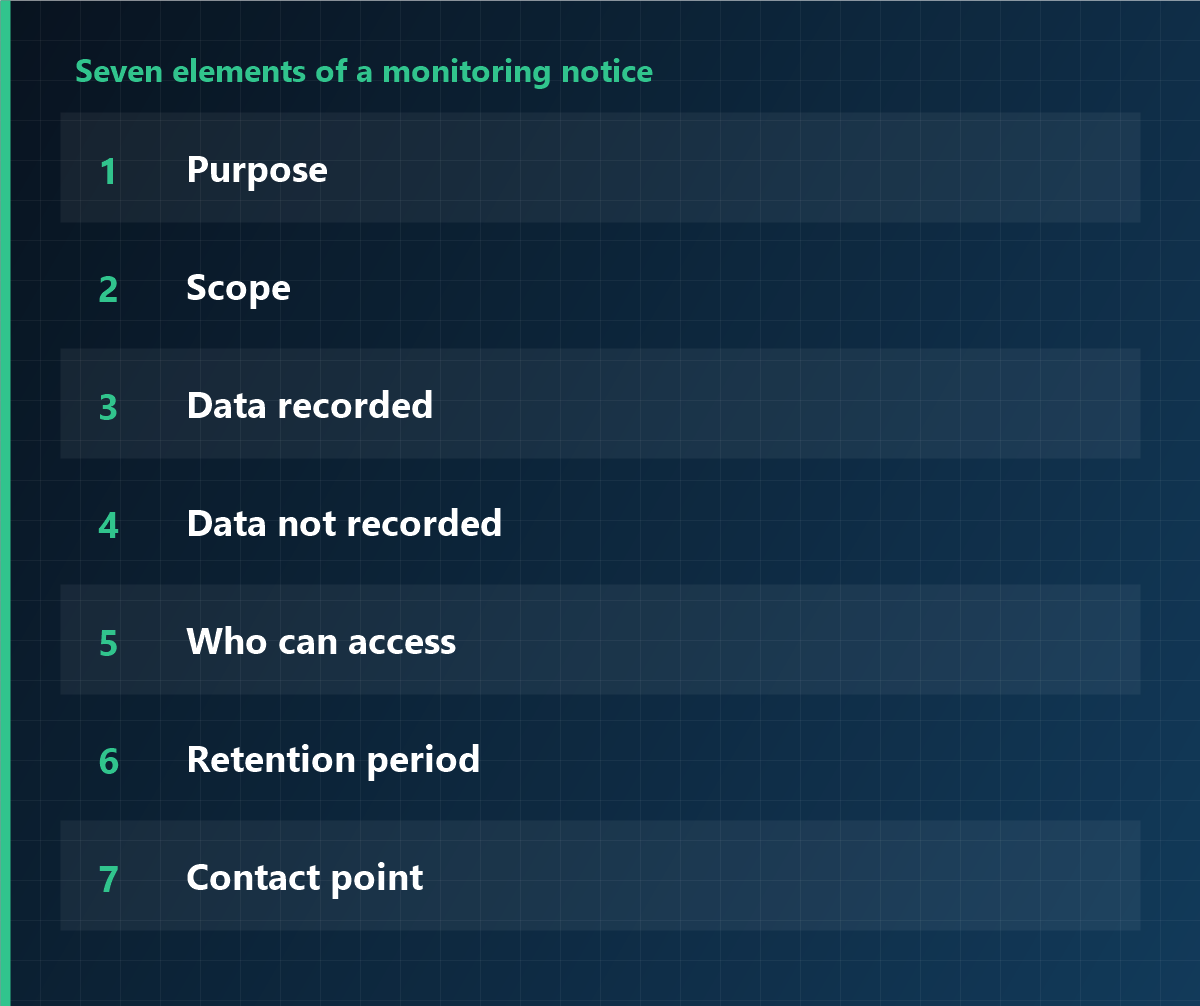
Seven elements the notice must contain
- Purpose: working time, information security, or process improvement. One is better than three.
- Scope: which devices, which departments, how many.
- Data recorded: logon and logoff times, application usage, screenshots yes or no.
- Data not recorded: personal email, personal cloud. Saying this explicitly changes how the notice is received.
- Who can access: by role and function, not “management”.
- Retention period: how long, and what happens afterwards.
- Contact point: where questions and objections go.
The template
Copy the text below and replace only the bold bracketed parts.
Notice on the recording of computer use
To all employees
To support the proper conduct of work and to protect information assets, the company records use of the computers it provides, as described below. This notice is given before recording begins.
1. Purpose
Recording for the purpose of [working-time verification / prevention of data leakage / process improvement].
2. Scope
[Windows / macOS] devices provided by the company: [departments, number].
3. Data recorded
Logon and logoff times, use of business applications, [screenshots: yes/no], [file access records: yes/no].
4. Data not recorded
Contents of personal email, use of personal cloud services, and the content of keystrokes.
5. Access
Limited to [IT administration] and [head of people]; every access is logged.
6. Retention
[Three] months from collection, then deleted.
7. Employee rights
Each employee may request access to their own records from [IT department].
8. Contact
[department, name, extension]
Declining this notice will not, on its own, lead to any detriment; the internal rules on use of company equipment continue to apply.
[Company name]
[Date]
What usually goes wrong when adapting it
- “As necessary” instead of a list. That phrase opens the scope without limit. Enumerate the data types.
- Leaving out the exclusion list. It is the first thing people ask about. Naming the personal sphere explicitly gives the rest of the text credibility.
- Naming the viewing department only. Add function and level.
- Retention without deletion. “Three months of retention” is not enough; add “then deleted”.
- Conflict with the employee handbook. If the data listed differs from the handbook, the whole text becomes attackable.
How to deliver it
- Document the internal rule first, and consult employee representatives where required.
- Give everyone the same text, in a meeting rather than only by email.
- Hold a session per department, with time for questions.
- Collect acknowledgement, stating that refusal carries no detriment.
- After go-live, open self-service so people can see their own records.
Frequently asked questions
Is a notice the same as consent?
No. A notice explains what is done; consent confirms understanding. In an employment context consent is rarely the solid basis — information and, where applicable, collective agreement are.
Is one email to everyone enough?
It informs but explains little. A session with questions prevents the “I did not know” argument months later.
Can we start without changing the handbook?
If the handbook has no provision for this recording, a gap opens between practice and documentation. That gap is the weak point in any review.
Enable only what the notice describes
iMonitor can be limited to the data types you listed. Collection scope, retention and access rights are configured centrally; anything not declared stays switched off from the start.
This article is general information and does not constitute legal advice. Consult a professional before changing internal policies or processing personal data. Last updated: 23 October 2026.