Employee monitoring: what the law allows and how to roll it out
Posted on October 23rd, 2026 in Guides | No Comments »
Most companies that ask about employee monitoring software are not really asking about software. They are asking a management question: how do we know the work is getting done when we cannot see it. The software decision comes after that question, not before.
This guide covers what to decide before installing anything, what to record and what to leave alone, and how to introduce it without losing the team. It is general information, not legal advice: the rules differ by country and by state, and a local professional should confirm the specifics.
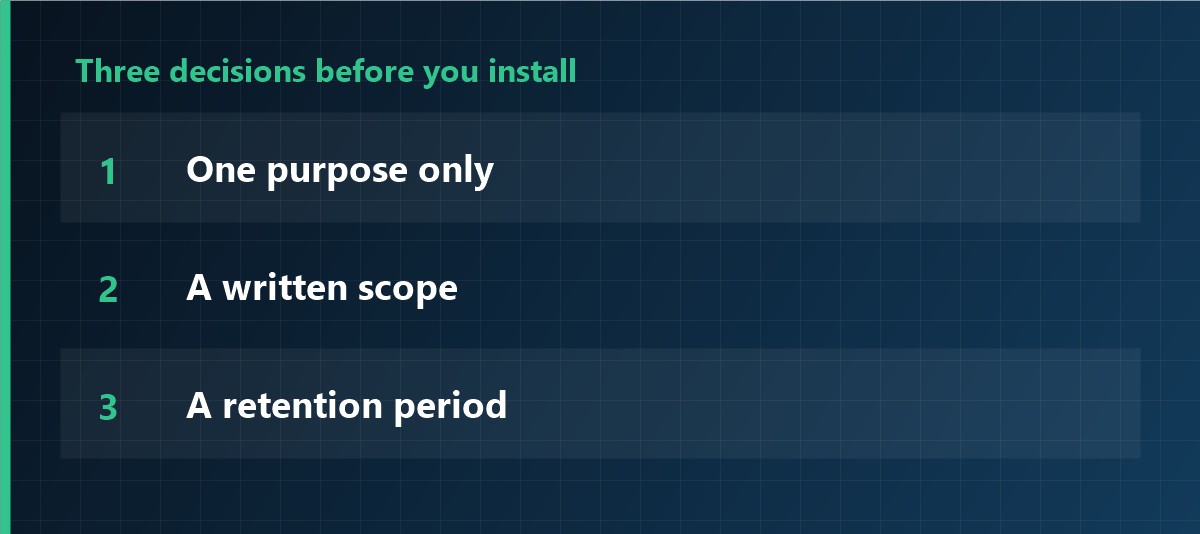
Three decisions to make before you install
Everything else follows from these, and getting them wrong is what makes monitoring projects fail.
- One purpose. Productivity improvement, information security, or working-time verification. Pick one. If you cannot say which, you are not ready to install.
- A written scope. Which devices, which departments, which hours, which level of detail. “All company computers, all the time” is a scope, but it is rarely the one you need.
- A retention period. How long the records stay, and what deletes them. If nobody can answer this, the data will stay forever by default.
What to record, and what to avoid
| Data | Assessment |
|---|---|
| Logon and logoff times, active hours | The safest starting point, especially where working time must be documented. |
| Application usage | Defensible for productivity purposes. Exclude personal-use applications from the statistics. |
| Screenshots | Restrict to specific cases. Continuous screenshots are the single most resisted feature and the hardest to justify. |
| Keystroke content | Avoid. Counting how much is typed is different from recording what is typed. |
| Personal email and personal cloud | Out of scope. Even on company-owned devices, the personal area should be separated. |
| Always-on camera or microphone | The hardest case to justify. If it is genuinely needed, shrink purpose, hours and retention to the minimum. |
One question decides every row: can the purpose be met without this data? If a less intrusive option exists, that option is the one to choose.
Informing the team
- Turn the three decisions into a document that names the data, the people with access, and the retention period.
- Deliver the same text to everyone, in a meeting rather than an email, because it allows questions.
- Collect acknowledgement, and state clearly that refusing does not lead to any detriment.
- Let people see their own records. This single step changes the tone of the entire project.
Legal checkpoints that apply almost everywhere
- Purpose limitation: monitoring must serve a stated purpose, and data collected for one purpose should not quietly serve another.
- Proportionality: the least intrusive means that achieves the purpose.
- Transparency: people know what is collected, why, and who can see it.
- Access control: a small, named group can view records, and each view is logged.
- Retention limits: a defined period and actual deletion at the end of it.
- Employee representation: in several countries, works councils or unions have co-determination or consultation rights. In Germany, works councils have a codetermination right on monitoring technology; in France, the CNIL expects proportionality and prior consultation; in Italy, the workers’ statute restricts remote control; in Brazil and Korea, data protection law governs the processing. Confirm the local rule rather than assuming.
A rollout order that avoids conflict
- Start with time records only: no screenshots, no keystroke content.
- Fix the viewing side first: who can look, and on what occasion. Most trust damage comes from an unnecessary view, not from the tool.
- Open self-service before adding features.
- Add only what you can explain, one department at a time if needed.
- Review after six months and switch off whatever no longer serves a purpose. Being able to switch off is the strongest argument in the rollout conversation.
Frequently asked questions
Do we need employee consent?
In an employment relationship, consent is rarely the right basis, because it is hard to give freely. Clear information, transparency and, where applicable, collective agreement are the solid route.
Can we monitor personal use on a company laptop?
Ownership of the device does not authorise unlimited monitoring of the personal sphere. If personal use is permitted, it should be excluded from scope or governed by explicit rules.
Are continuous screenshots allowed?
This is the case that struggles most with proportionality. Restrict screenshots to specific investigations and define frequency, retention and permissions together.
How long should records be kept?
It depends on the purpose: for working time, a few months usually suffice; for evidence in a specific incident, as long as the process requires.
Start with the narrowest scope
iMonitor lets you enable only time tracking at first and add modules as the need is documented. What is collected, how long it is kept and who can see it are configured centrally, so the scope you wrote down is the scope that runs.
This article is general information and does not constitute legal advice. Consult a professional before changing internal policies or processing personal data. Last updated: 23 October 2026.