Employee monitoring software: twelve checks before you buy
Posted on October 23rd, 2026 in Guides | No Comments »
Most buying mistakes in this category are not technical. They are decisions taken before anyone looked at a demo: what the tool is allowed to see, who will be able to read it, and what happens when the project is reviewed in a year. Here are twelve checks, grouped by the order in which they will bite you.
Legal and organisational checks
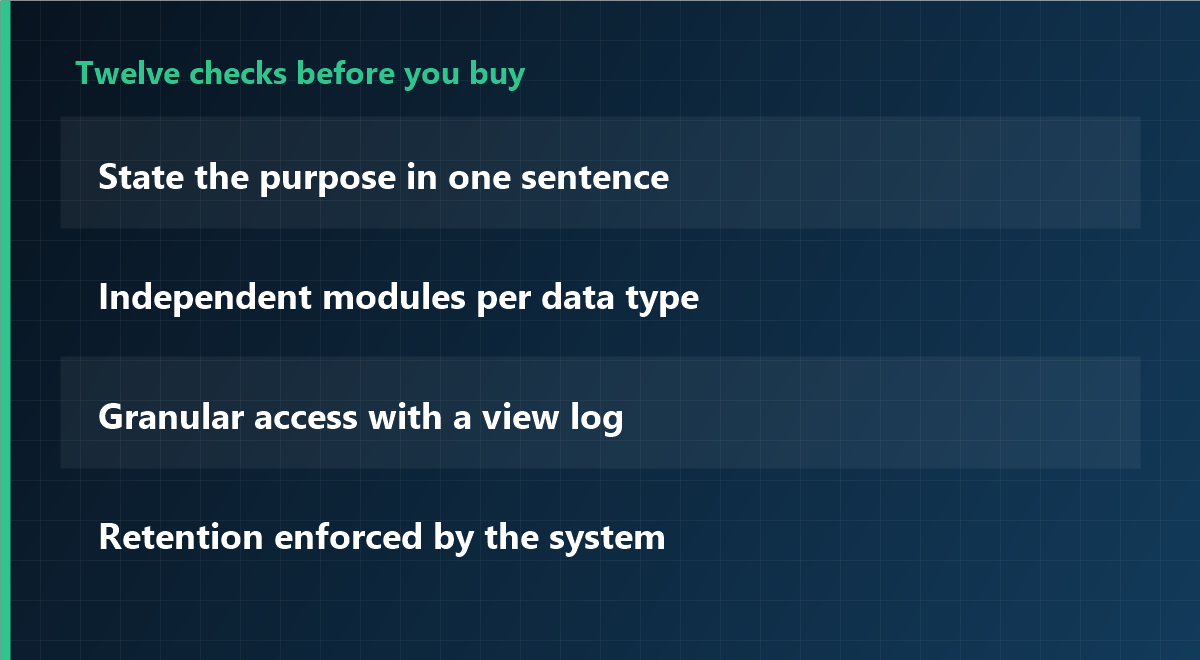
1. Can you state the purpose in one sentence?
If the sentence needs a comma to hold two purposes, you have two projects. Split them, because each needs its own scope and its own notice.
2. Is the notice written before the installation date?
A notice written after go-live is a reconstruction. Write it first, then configure the tool to match it, not the other way round.
3. Do employee representatives have a role?
In several countries they have co-determination or consultation rights on monitoring technology. Confirm the local rule in your jurisdiction before the purchase order, not after.
4. Is there a named person accountable for the data?
Not a department: a person. Someone must be able to answer “who looked at this record, and why” without asking around.
Technical checks
5. Can each module be switched on independently?
Screenshots, keystroke content, website categories, file tracking and time records should not be one switch. If they are, you cannot honour a narrow notice.
6. Does it keep working offline, and what happens to the data?
Laptops travel. The agent should record locally and upload later, with a defined cap, and the local cache should be encrypted or cleared after sync.
7. Is there a real self-service view for employees?
Being able to see your own records changes the tone of the whole deployment. If the vendor treats this as an add-on, the product was designed for one-way surveillance.
8. How does uninstall and offboarding work?
Ask for the documented removal procedure, including what happens to records when an employee leaves and when a department is closed. “Delete the folder” is not a procedure.
Data governance checks
9. Are access rights granular, and is every view logged?
The most common trust failure is an unnecessary view, not a malicious one. Per-role permissions plus an access log make the question answerable.
10. Is retention enforced by the system or by people?
Prefer a product that deletes on a schedule. Retention that depends on someone remembering is retention that does not happen.
11. Can you export and then leave?
You should be able to export your own records in a usable format and terminate without losing them. Ask what the export contains before you sign.
Vendor checks
12. Will they say no to a feature you asked for?
The most useful signal in this category: a vendor who explains why a request is disproportionate, instead of shipping it. If every request is met with “we can do that”, the tool will eventually be configured into a problem.
What good looks like on day one
- Time records on for everyone; every other module off.
- A one-page notice that names the data, the viewers and the retention period.
- Two named people with access, and a log that shows their views.
- A calendar reminder for a six-month review, with the authority to switch things off.
That configuration is deliberately boring. It is also the one that survives an audit, a staff meeting and a change of manager.
Frequently asked questions
How many of the twelve matter most?
If you only keep three: independent modules (5), granular access with logging (9) and enforced retention (10). Those three determine whether the rest of your policy can actually be implemented.
Is a cloud product automatically worse than on-premise?
Not automatically. What matters is where the data resides, who can access it, how deletion works and what the contract says about subprocessors. Ask the same questions of both.
Should we pilot with one department?
Yes, if the pilot has a defined end date and a review. A pilot without a review becomes the permanent configuration by accident.
Modules you can leave switched off
iMonitor separates time records, screenshots, application usage and file tracking, so a narrow scope stays narrow. Access rights and retention are configured per module, and every view is logged.
This article is general information and does not constitute legal advice. Confirm the rules that apply in your jurisdiction before deploying monitoring software. Last updated: 23 October 2026.