Five ways to measure remote productivity without monitoring
Posted on October 23rd, 2026 in Guides | No Comments »
“We cannot see productivity in remote work, so we are going to install monitoring.” The sentence still comes up regularly. In practice it does the opposite of what is intended: monitoring does not raise productivity. It raises the volume of records. And the more you record, the more the team works for the record.
This article sets out five indicators that show how a distributed team is actually doing, and how to run them. It is not an argument against monitoring. It is an argument about what to measure first.
Why “not seeing” becomes a problem
The discomfort comes from lost information. In an office, passing someone in the corridor told you something: how they are doing, whether they are stuck, who they are talking to. Remote work zeroes that out. The fastest way to fill the gap is to look at the screen, and monitoring becomes the default option.
There are other ways to fill it, and they are usually cheaper, faster and less resisted.
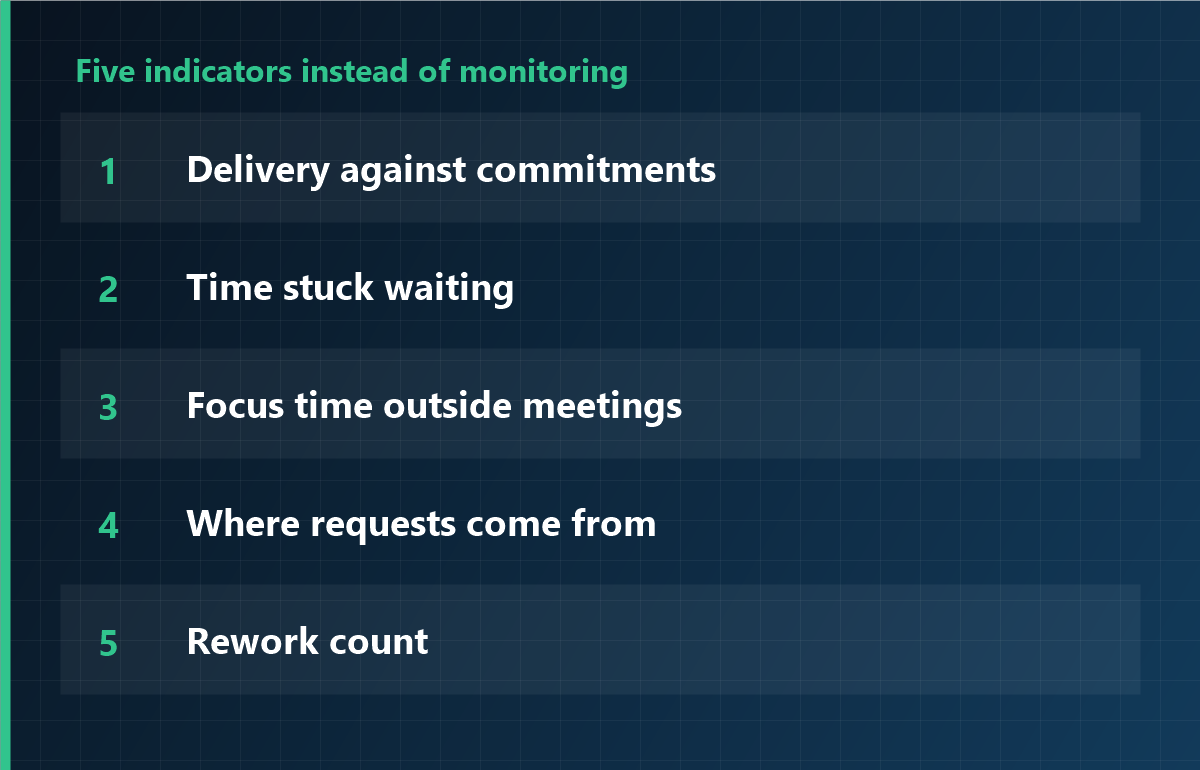
Five indicators instead of monitoring
1. Delivery against commitments
Not “how many hours did you work”, but “did the committed thing ship on the committed date”. The simplest indicator, and the least misinterpreted.
2. Time stuck waiting
How long a task sits while someone owes a reply. This is not about individual effort: it shows where the organisation blocks. Monitoring never sees it.
3. Focus time outside meetings
The share of the calendar occupied by meetings. Too high, and individual work is fragmented. The calendar is more accurate than any screenshot.
4. Where requests come from
Who asks whom. Every question concentrated on one person, or someone who never asks, are early signals. What matters is the skew, not the volume.
5. Rework count
How often the same work is redone. A high count points to an unclear instruction or specification. More monitoring does not help, because the cause sits upstream.
Running it in 30 minutes a week
- Start of week, 15 minutes: confirm what ships this week; each person commits to one thing.
- Midweek, 5 minutes: collect only what is blocked. Look at the blockage, not the person.
- End of week, 10 minutes: put commitment and result side by side. No blame; it is input for next week.
With those three pieces, most teams get out of the “we cannot see” feeling. Cost: zero. Time: half an hour.
When recording is genuinely justified
- Working time with legal effect: a separate subject, with its own basis.
- Investigating a specific data incident: scope limited to that case.
- Evidencing hours for contractors: where the contract requires it.
All three share a shape: one purpose, a bounded period. Not “everything, just in case”.
If you do deploy, in this order
- Run one month with the five indicators only.
- Identify what remains uncovered. Do not deploy on a feeling.
- Record only that area, for a defined period.
- Document the data, the retention period and who has access.
- At the end of the period, check whether the indicators actually improved.
Frequently asked questions
Should you never monitor at all?
Not at all. With a clear purpose, a defined period and the ability to explain it to the team, it is a defensible tool. The problem is permanent capture with a vague purpose.
Where do the five indicators fall short?
Legally relevant working-time records, incident investigation, and contractual evidence of hours. Those need a limited recording, not broad surveillance.
Will the team not obsess over the numbers?
The risk is real. State explicitly that the numbers are material for a conversation, not appraisal. Tied to appraisal, they distort.
Record only what is needed
iMonitor can be limited to working-time verification, or to an investigation over a specific period. Collected data, retention and permissions are configured separately; what you do not use stays off from the start.
This article is general information and does not constitute legal advice. Consult a professional on employment law and data protection. Last updated: 23 October 2026.