Working hours


Working hours
1. Please login iMonitor 365(WorkAuditor) web console.
2. Please click Settings > Working hours.
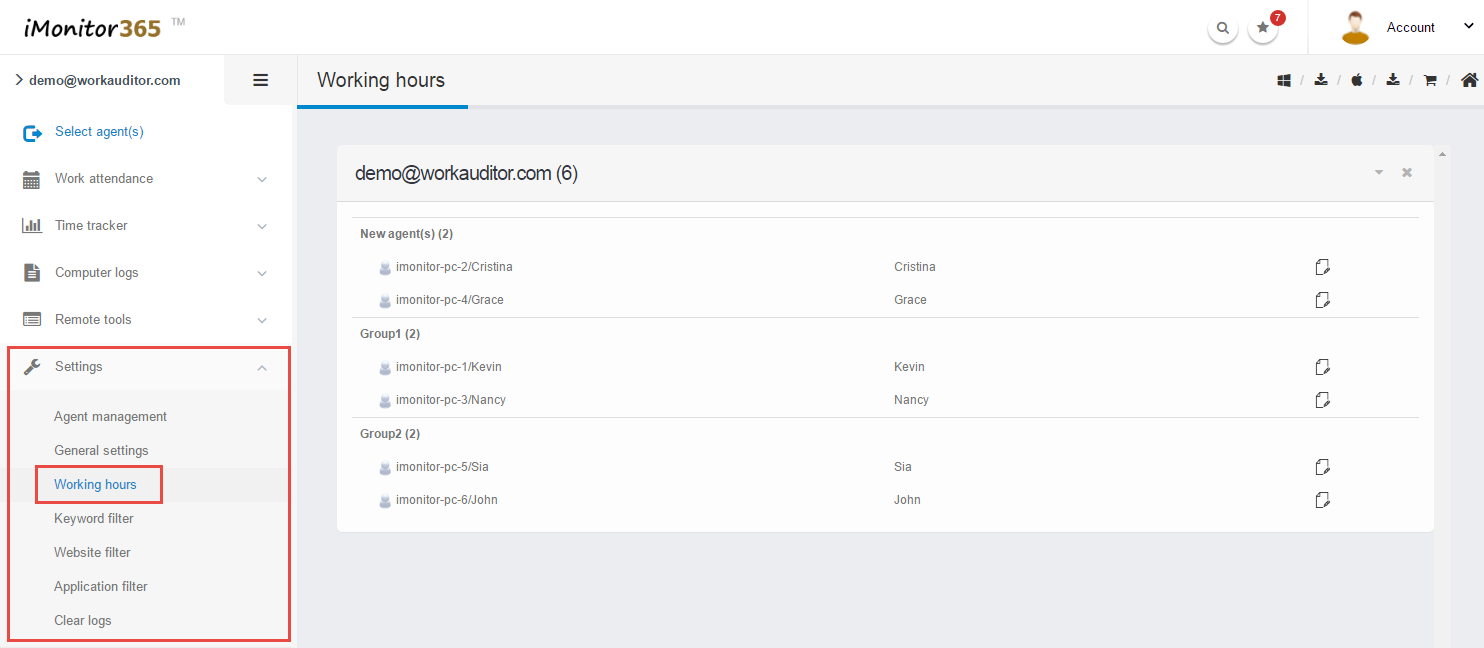
3. Click "Edit" icon  of the target agent in the agent list.
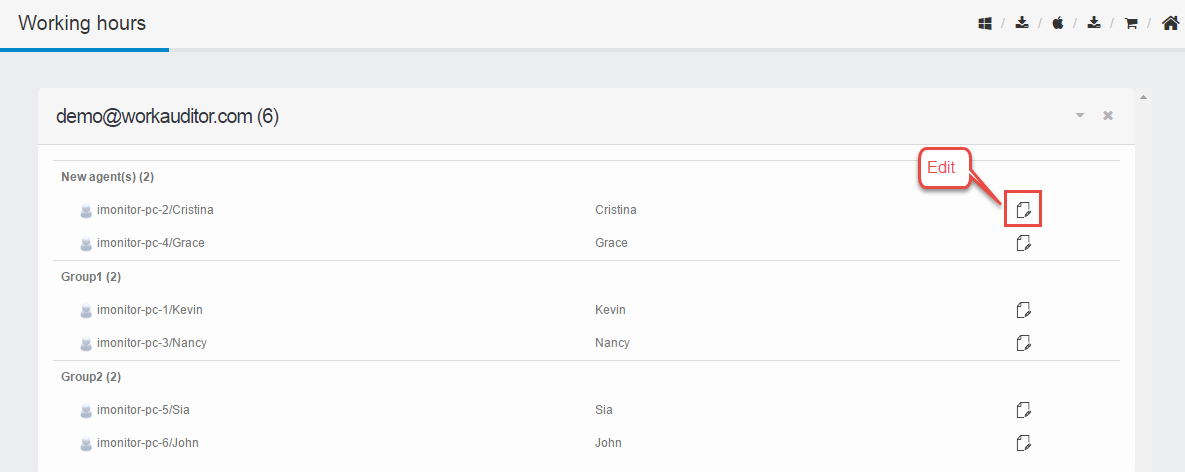
4. Edit the "Working hours"settings, you can modify working hours.
4.1 Click the "Edit" button .
.
4.2 Input the working hours.
5. Click  button to go into next step.

6. Select destination agent(s). (This option is very flexible,you can copy the same settings to all agents. )
7. Click  button to deploy the change of the settings.
8. Finished.The changes will take effect on the remote computer after a couple minutes. If you get an error message, please try these steps again.